Attendance evidence
How to prove your cleaners actually showed up
A roster says someone was scheduled — but scheduled isn’t shown, and “all done 👍” isn’t evidence. Here’s what actually stands up.
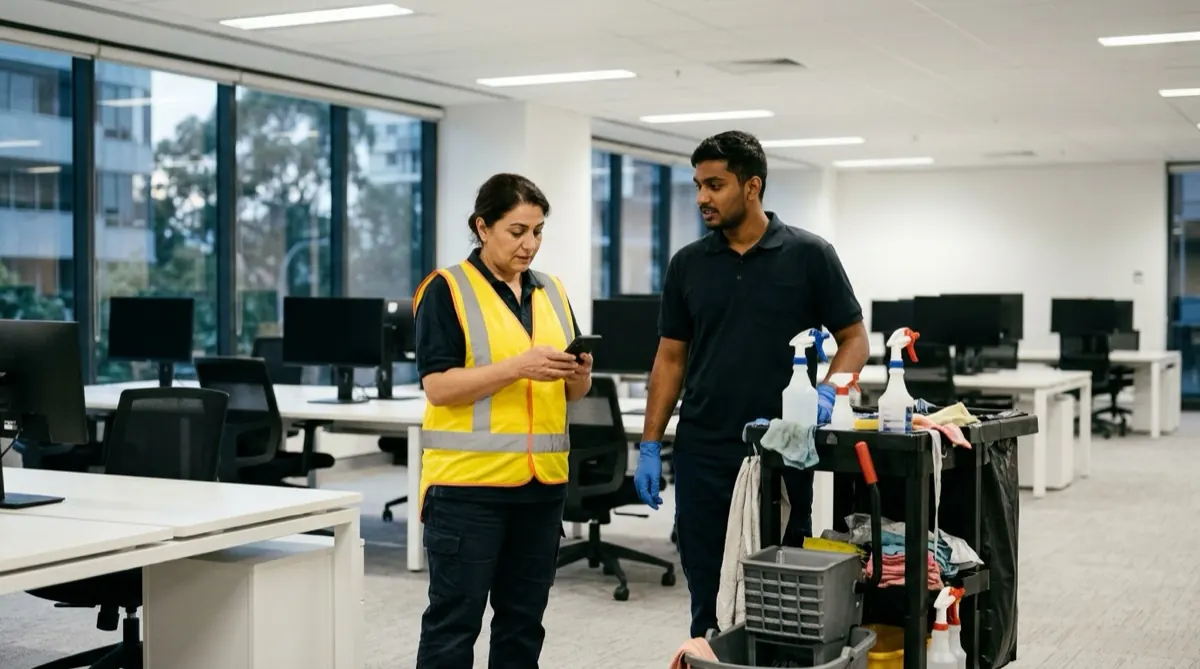
Why “scheduled” isn’t “shown”
Every commercial cleaning operator has had the conversation. A client calls: “Was anyone at our site last night? The bins weren’t done.” You check the roster — someone was scheduled. But scheduled isn’t the same as shown, and a group-chat “all done 👍” isn’t evidence.
Spreadsheets and chat apps record intent, not attendance. They can be edited after the fact, they don’t capture where a worker was, and they fall apart the moment a client or a pay dispute needs a record. For multi-site teams running casuals across dozens of locations, that gap costs contracts and starts pay arguments.

What actually stands up as evidence
Three things, together: a time-stamped clock-in and clock-out; location context tied to the shift; and a record that can’t be quietly changed later. That combination is attendance evidence you can produce — a contemporaneous record instead of a reconstruction. It supports your account of what happened; it isn’t a guarantee that the work was done, and no honest tool should claim location alone proves service.
How Emprovia OnSite captures it
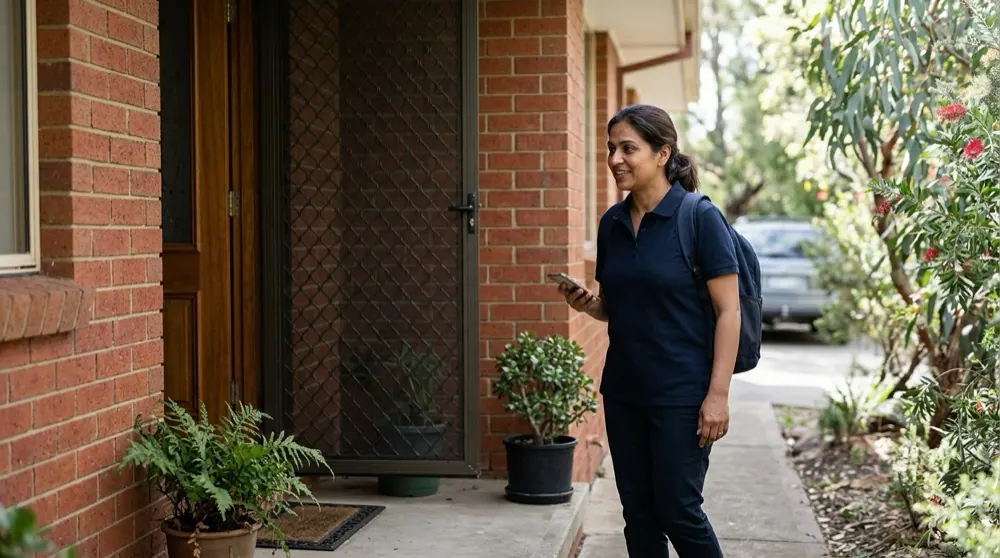
Workers clock in and out in their browser, and each clock event is tagged with location, so you can see when a shift started and finished and whether it was at the authorised site. Those events are written to an append-only evidence trail — a record of shifts, approvals and incidents you can add to but not silently edit or delete. When it’s time to pay, approved hours export to Xero, so nobody re-keys numbers from a spreadsheet.
What to look for in a tool
- Clock-in / clock-out with location context
- An append-only record you can’t edit after the fact
- A clean export to your accounting (for example, Xero)
- Incident capture from the field
- Worker documents kept in one place
- Something you can run today in a browser, with nothing to install
A note on honesty
Emprovia OnSite is the operational and evidence layer — it records attendance evidence and exports approved hours; it isn’t a payroll engine and doesn’t interpret Modern Awards. If your first need is automated award pay-rule calculation, that’s a different tool. If your first need is a record of what happened on site, that’s exactly this.
FAQ
- How do I show a cleaner attended a site?
- A time-stamped clock-in and clock-out, tagged with location, gives you a contemporaneous record — attendance evidence you can produce. It supports your account of the shift; it isn’t a proof-of-work guarantee.
- Can I use it in a client dispute?
- You can produce the append-only evidence trail as your record. It’s a record-integrity feature, not a compliance certification.
- Does it run payroll?
- No — it exports approved hours to Xero. It doesn’t calculate award pay or interpret Modern Awards.
- Do I need to install an app?
- No — Emprovia OnSite runs in any modern browser, including on a phone. There’s nothing to install.